Prepare useful artwork
Start with an image large enough for the intended design area. Transparent PNG helps when the product should remain visible around the artwork. Enlarging a small image does not recover missing detail.
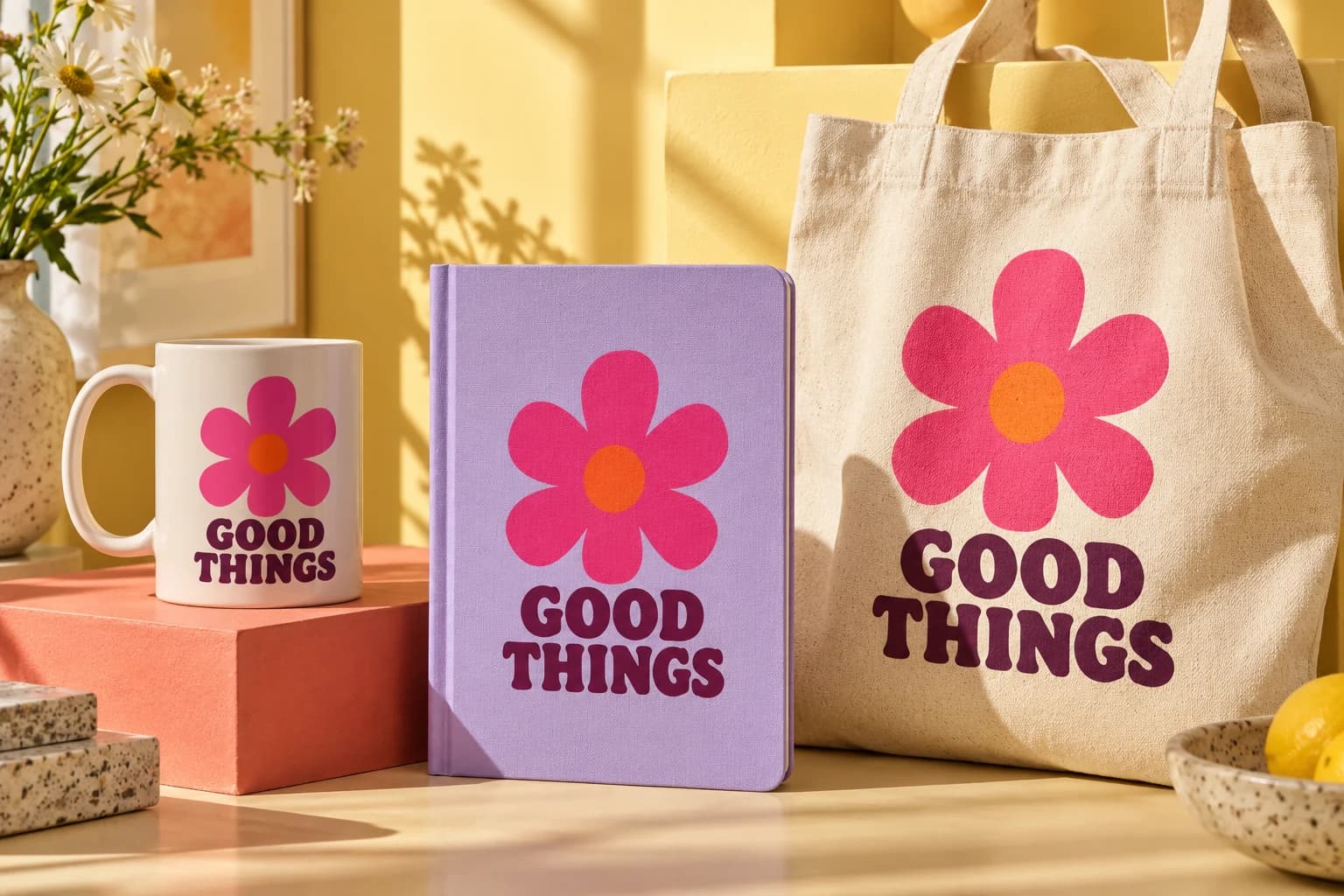
A product mockup shows how a design could look on a product. Start with a template, add artwork to its design area, inspect the preview and export a listing or presentation image. You do not need Photoshop installed to use a supported template in Mockups Generator.
 01 / Your artwork
Bring your designs into a reusable product workflow.
 02 / Collection inspiration
Browse the library or import a PSD you own or are licensed to use. Review design slots, canvas size and source notes. Our original illustrated starter scenes help you try the workflow; choose suitable photography for a photographic listing.
For an imported PSD, read the compatibility report and compare approximate effects with your reference. A successful import does not mean every Photoshop effect is reproduced.
Upload artwork or choose a saved design. Contain preserves the full image, cover fills the slot and may crop edges, and stretch can distort proportions. Adjust placement and inspect each slot.
Save the template, artwork and placement as a project. Give it a name identifying the product and view so it is easy to reopen.
Choose PNG, JPEG or WebP and an output size allowed by your plan. PNG and WebP can preserve transparency where supported; JPEG cannot. Open the downloaded file and check cropping, edges, text and background.
Start with an image large enough for the intended design area. Transparent PNG helps when the product should remain visible around the artwork. Enlarging a small image does not recover missing detail.
Preview and export use the rendering engine, but resolution, quality mode and format can differ. Inspect the downloaded image before publishing. A perspective mockup is a presentation image, not a flat production file.
Check the selected slot and fit mode, then artwork transparency, placement and compatibility warnings. Slot color fill affects the artwork area; recoloring a garment requires a supported template color target. Test one export before launching a collection.
No. Customization and source-file redistribution are different permissions. Check the source and license notes; a listing is not a promise of a downloadable PSD.
The public sample needs no account. Saving your artwork, projects and outputs requires signing in. Current quotas and export limits are on Pricing.
Review the workflow and requirements before creating your next output.