
Start with a prepared template
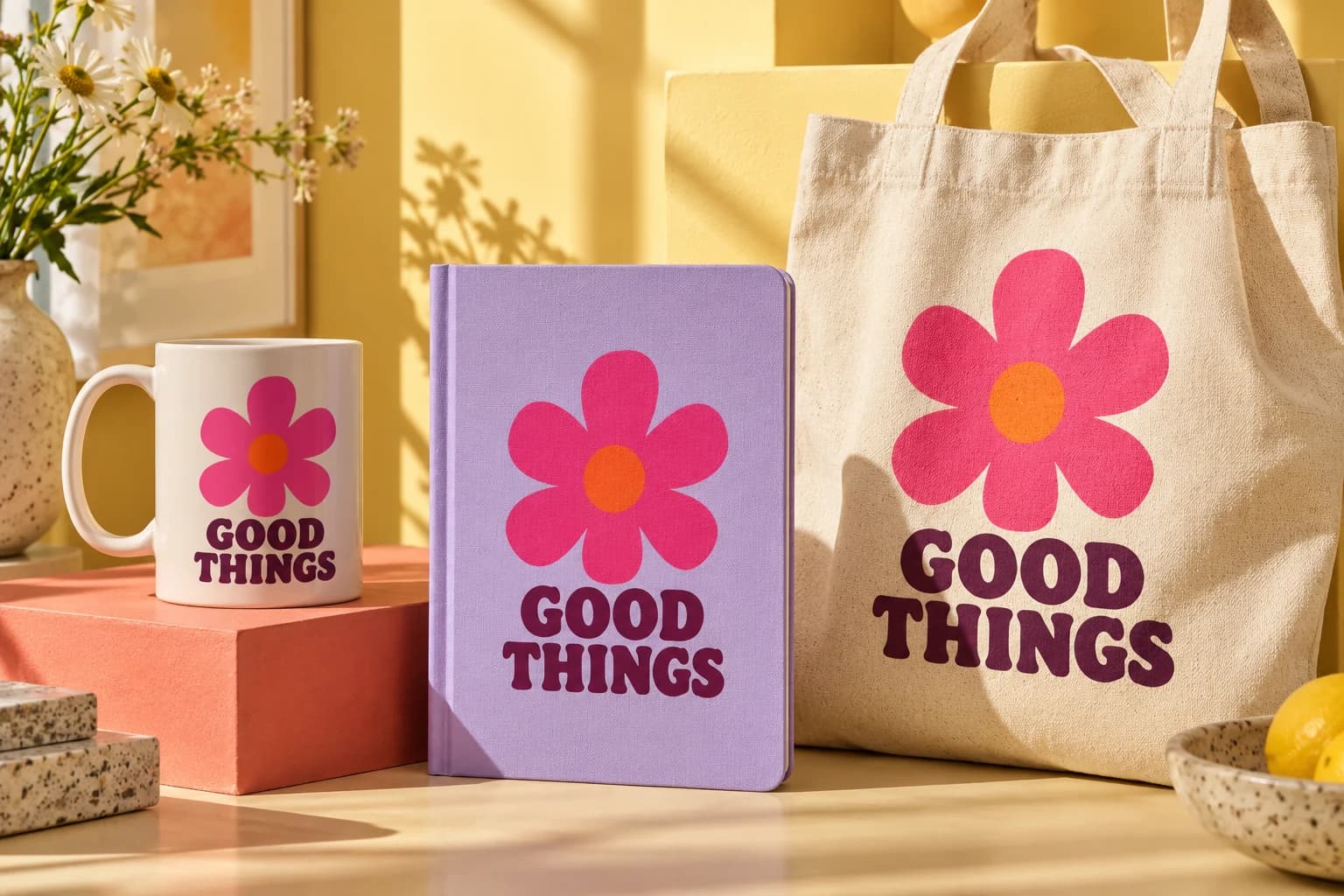
Choose a public sample or import a PSD. Review its compatibility report and mapped artwork areas. The quality of the scene, embedded artwork and supported effects determines the result.
Control the placement
Use cover, contain or stretch to fit artwork, then fine-tune scale, rotation and offsets. Appearance adjustments apply to the artwork. A background fill changes the artwork area; recoloring a product requires configured color layers.
Save before you scale
Save a named project to retain artwork references and settings. Reopen it from Projects or convert it to a collection. Autosave updates an existing named project; conflicting changes in another tab require a reload or copy.
Review the final image
Preview and export share the rendering engine, but previews use reduced resolution. Export settings, output size and quality mode can affect detail and compositing. Review a full-resolution sample before generating a large set.