01 / TRIGGER
n8n
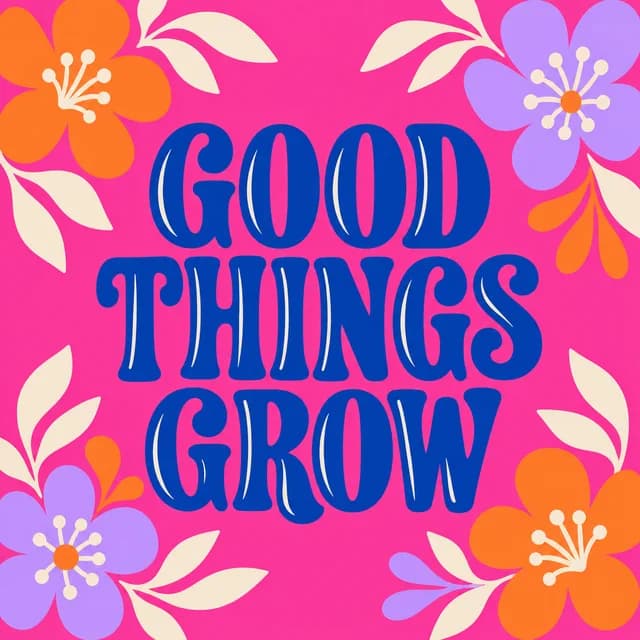 artwork.png
New artwork received
Artwork + template + callback URL
The creative automation platform
Create product mockups, then put production on repeat.
Connect your templates to the API, run batch jobs, and keep your tools in sync with signed webhooks.
25 free exports every month · No credit card · No watermarks
 Change tool ⌄artwork.png
Artwork + template + callback URL

 From the libraryReady for your design
POST /api/v1/render-jobsYour webhook endpoint is ready to receive.Signed callback expected
Trigger. New artwork starts a workflow in your tools.
THE AUTOMATION BEHIND THE IMAGE
Turn an event in your tools into a render request. Reuse your templates, generate images in the background, and receive a signed webhook when the job finishes.
Explore automation options ↗Workflow included ↗ HTTP module ↗
 Webhooks / HTTP ↗Your stackREST API ↗
n8n uses the supplied HTTP workflow. Make and Zapier require your own HTTP setup. Native Shopify and Etsy apps are planned.
Big ideas look better in context
Statement apparel. Everyday essentials. A coordinated launch. Start with a look that makes people stop scrolling.
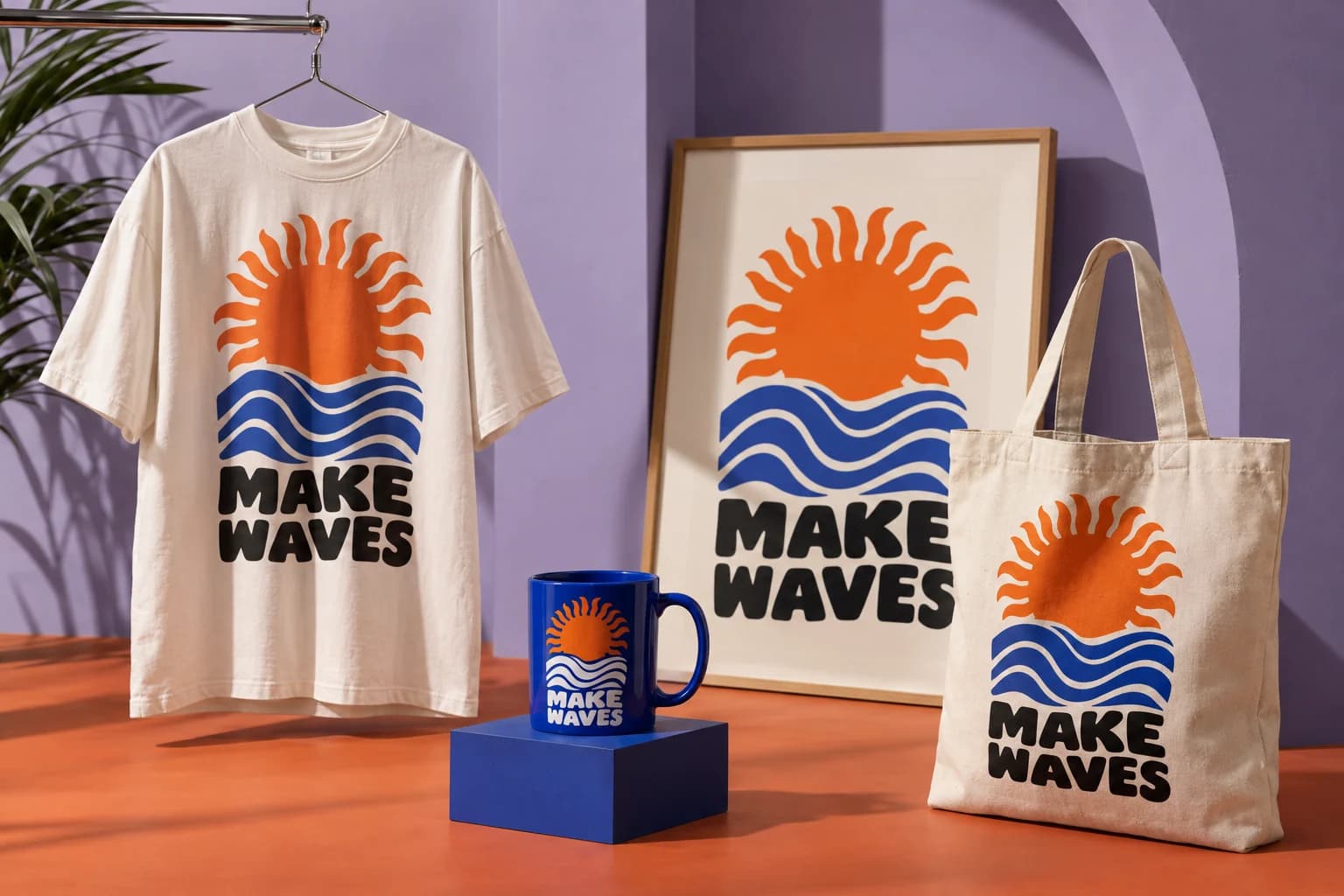
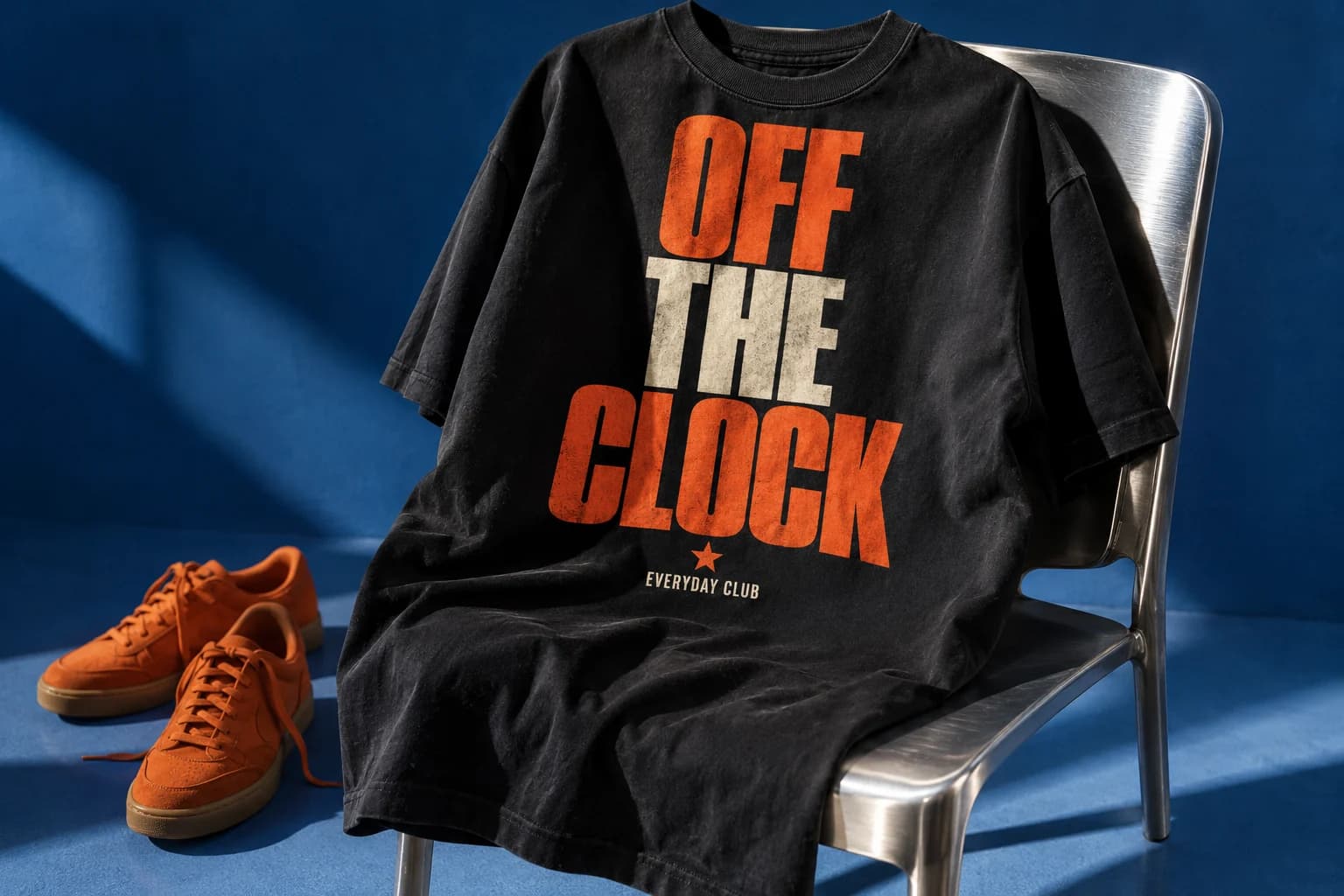 Apparel
Make your next T-shirt design the main event.
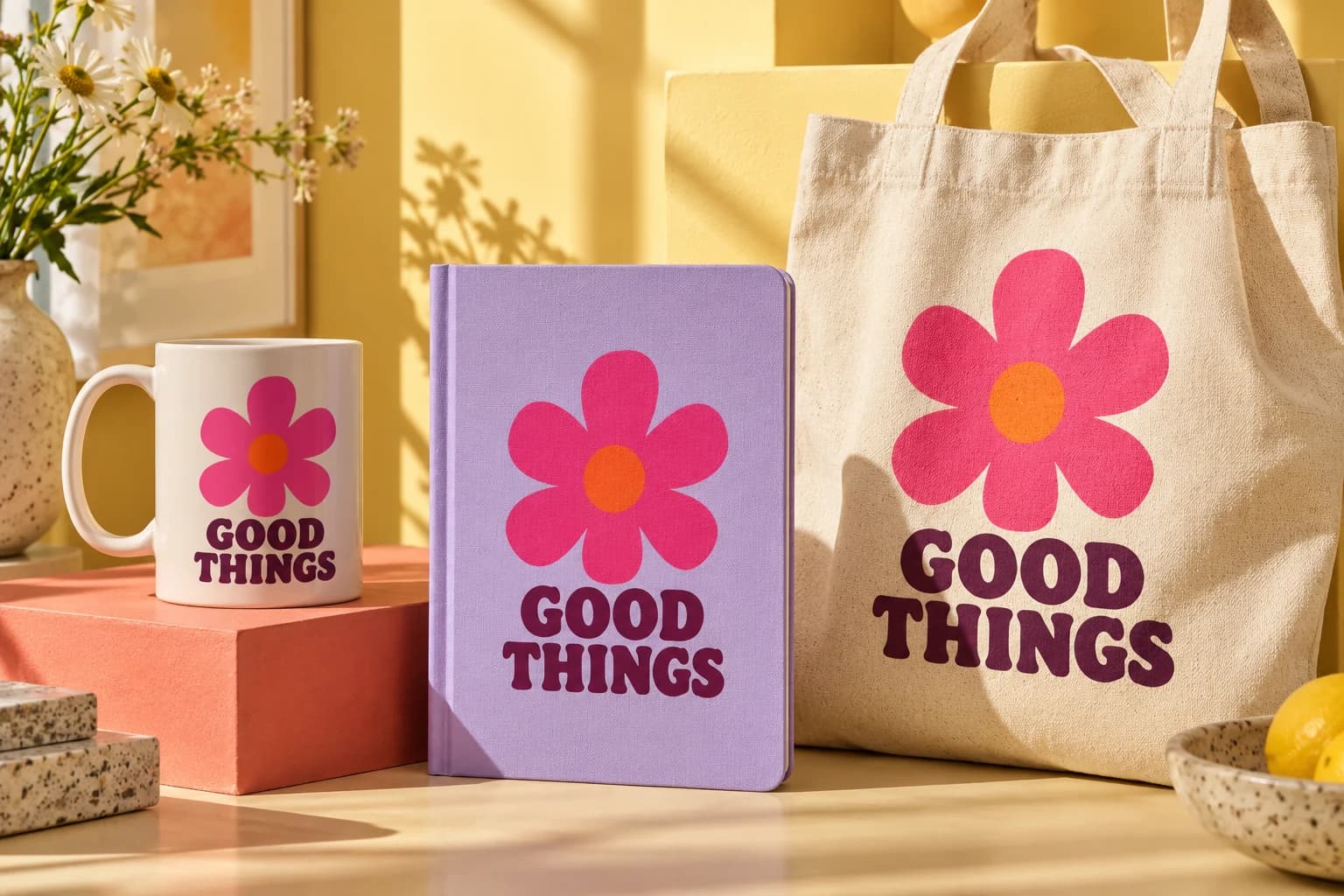 Everyday essentials
Bring the same creative direction to a whole range.
AI-generated campaign photography for inspiration. Choose an editable scene below to create your own result.
Less imagining. More making.
Choose a product scene and sample artwork. Hit render and see what the app creates, before you make an account.
Start with a shirt, mug, or framed poster.
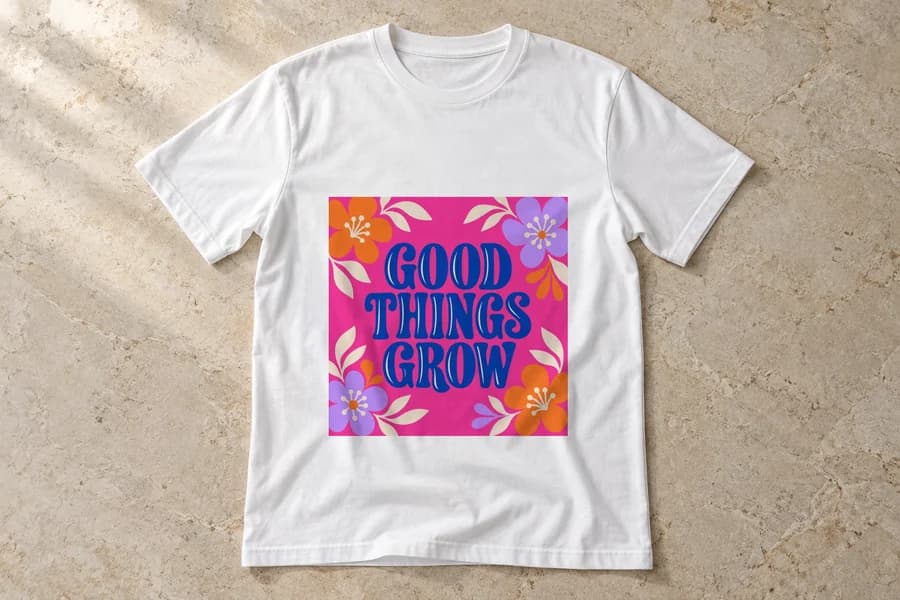
Try a sample design on the selected scene.
Then open the scene and add your own artwork.
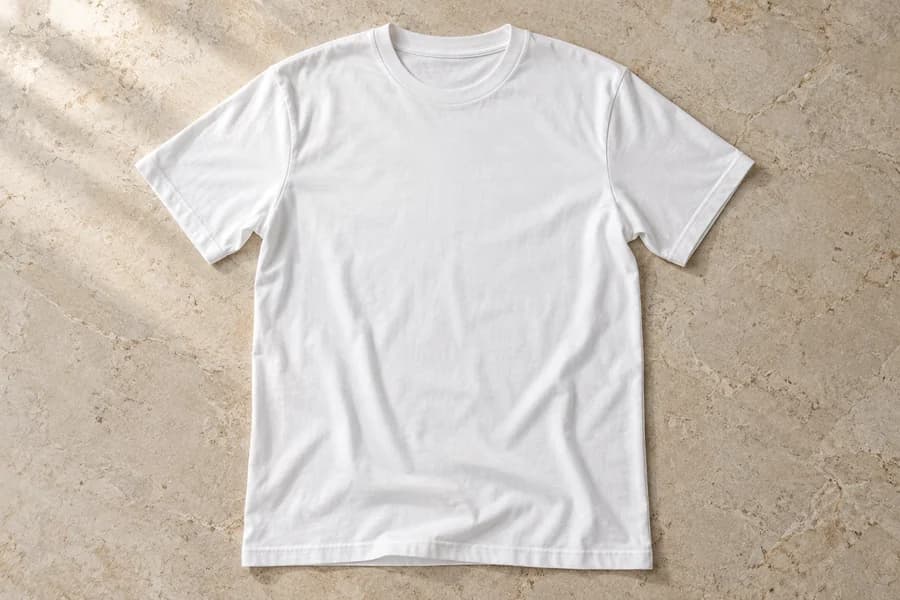
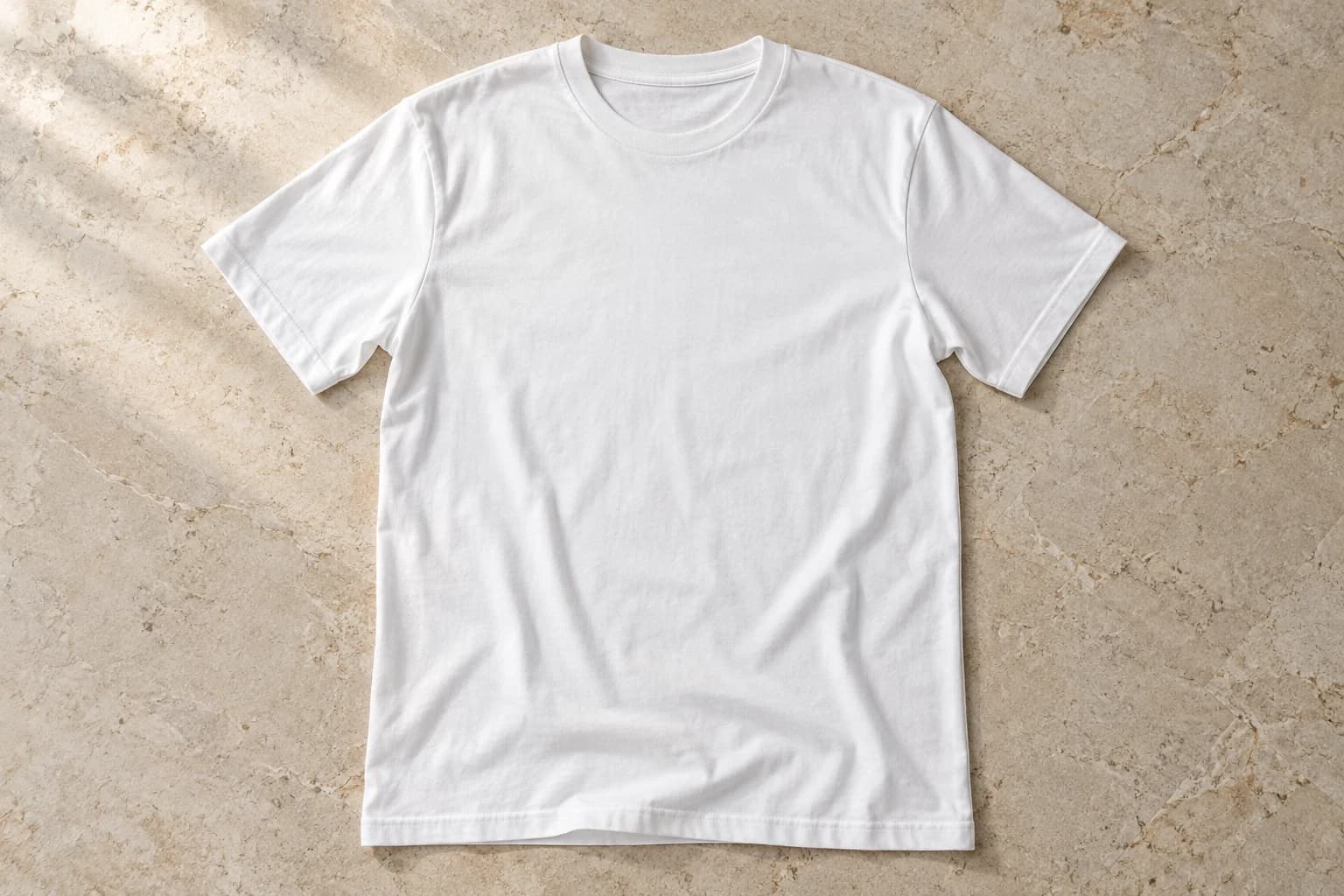 Blank product preview
No account needed. AI-generated product scenes with editable design areas.
Use this scene with your own artwork →Your next starting point
These are editable scenes from the library. Open a product, add your design, and start creating.
Explore all mockupsApparel · Flat lay
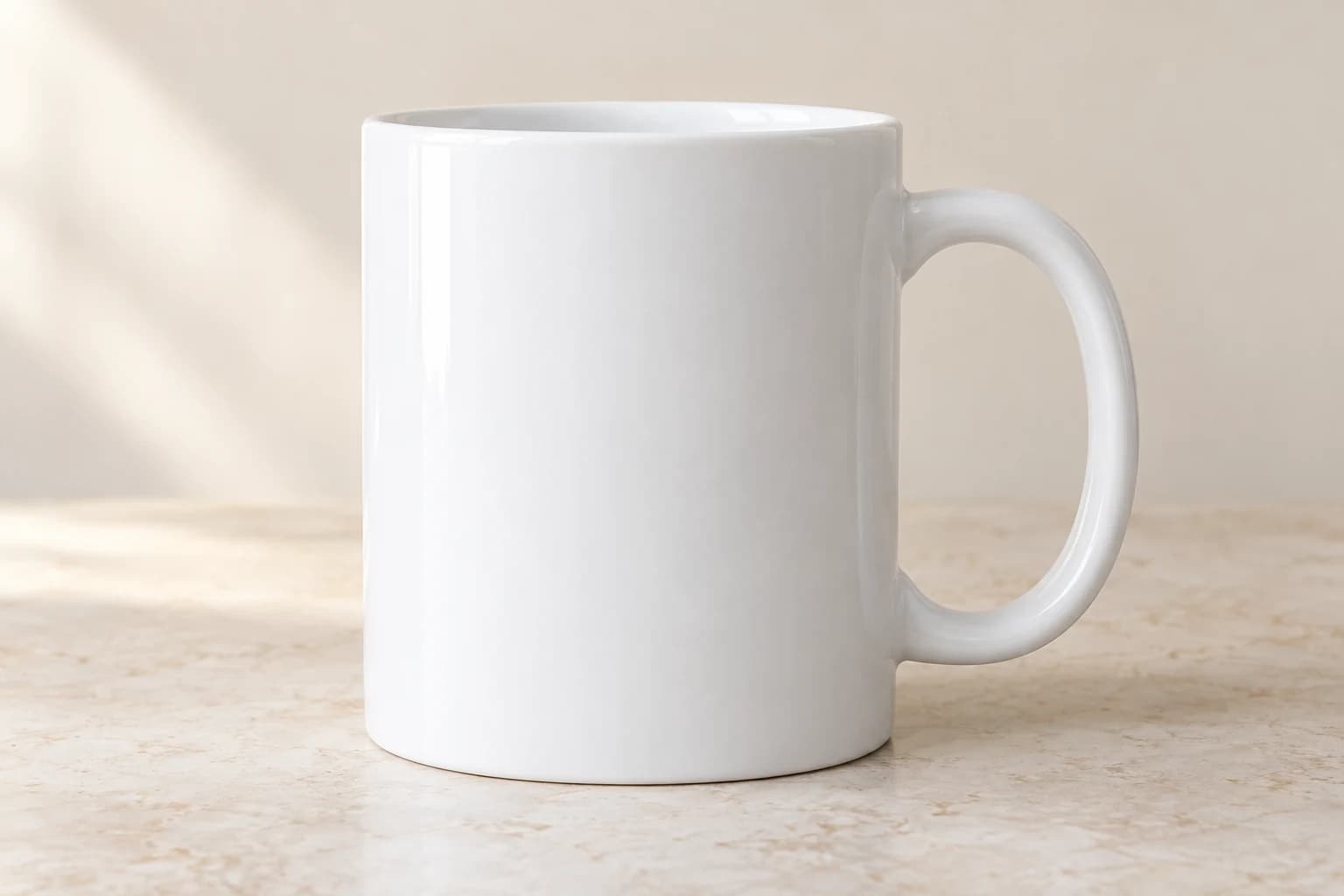
Drinkware · Front panel
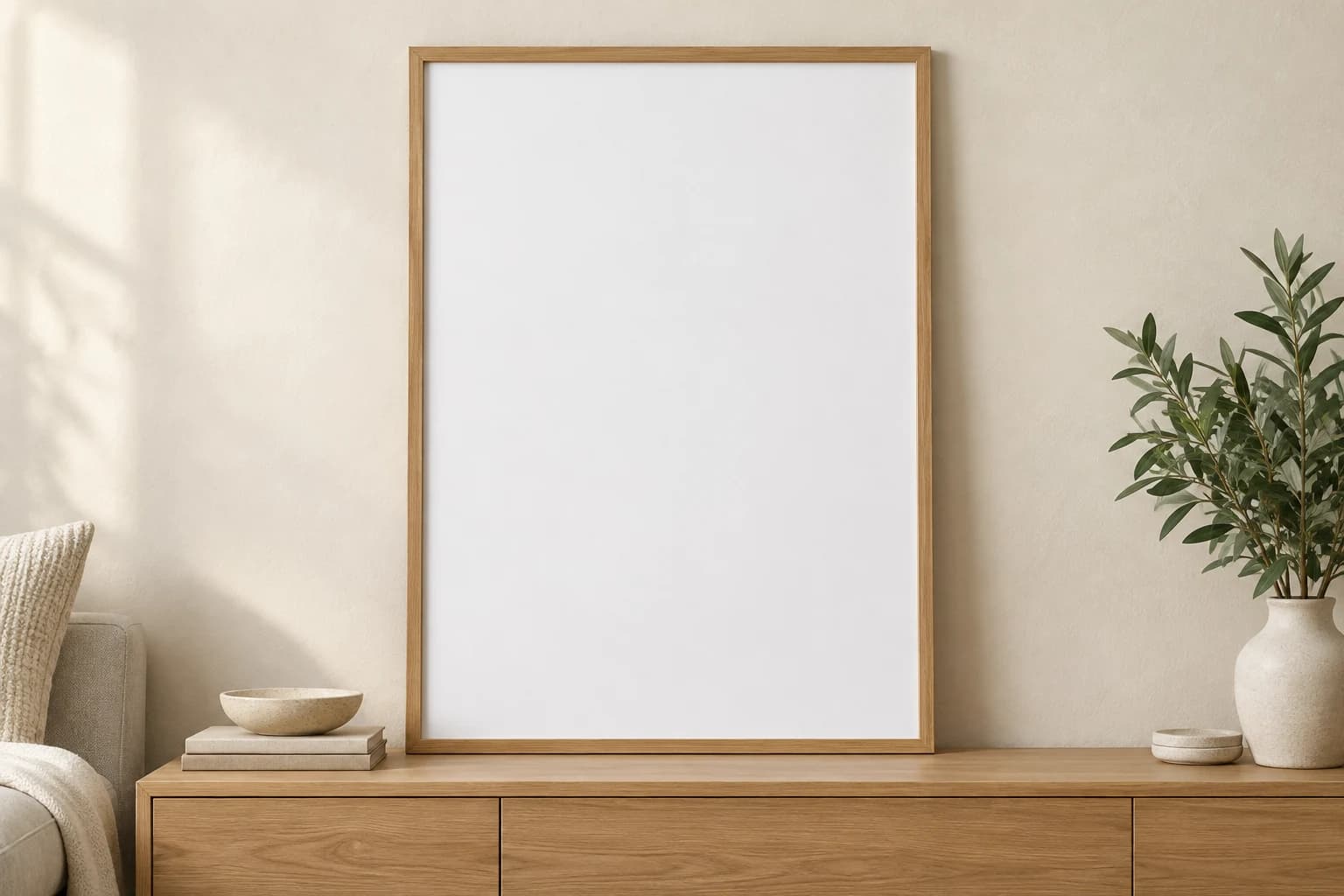
Wall art · Living room
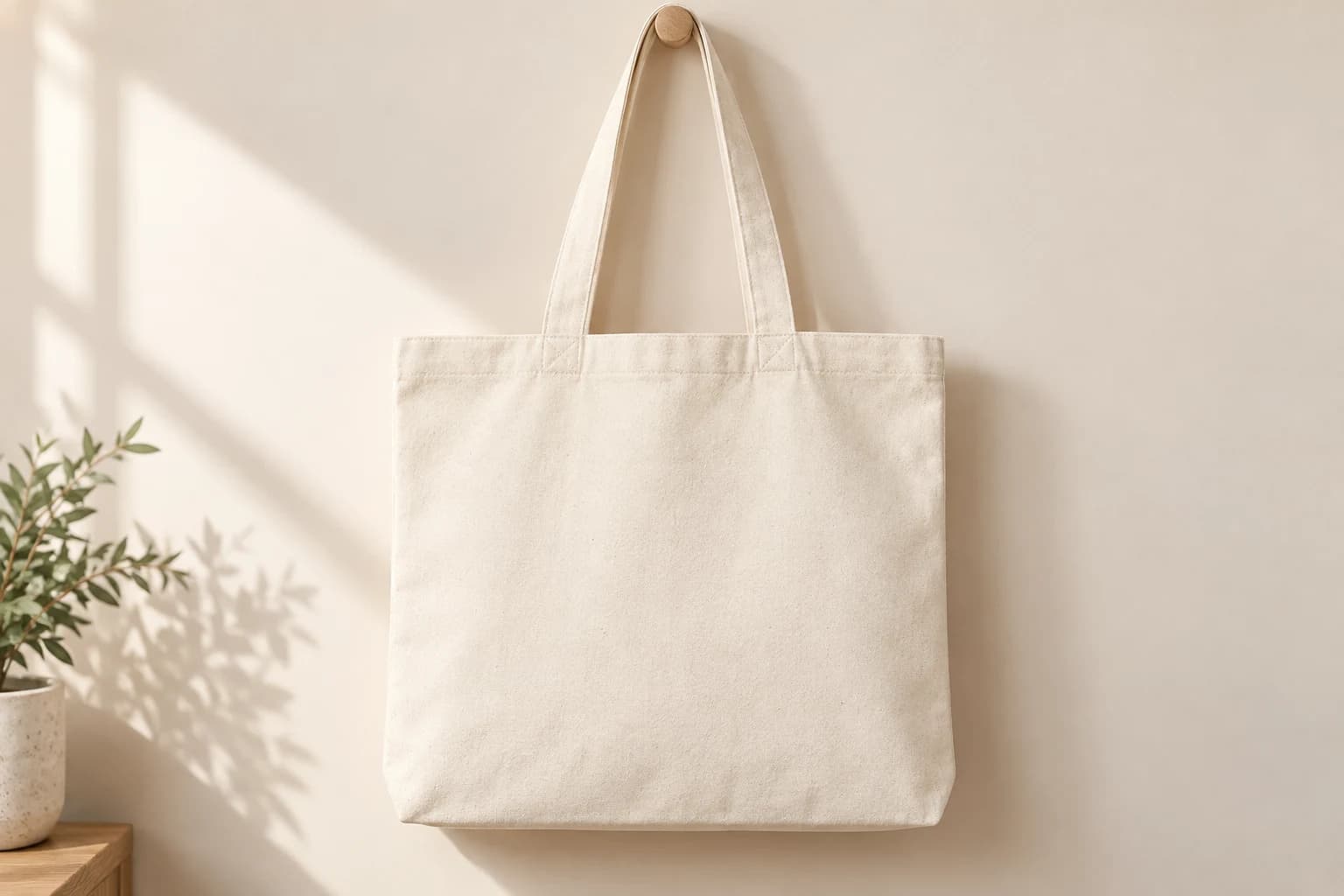
Accessories · Sunlit studio
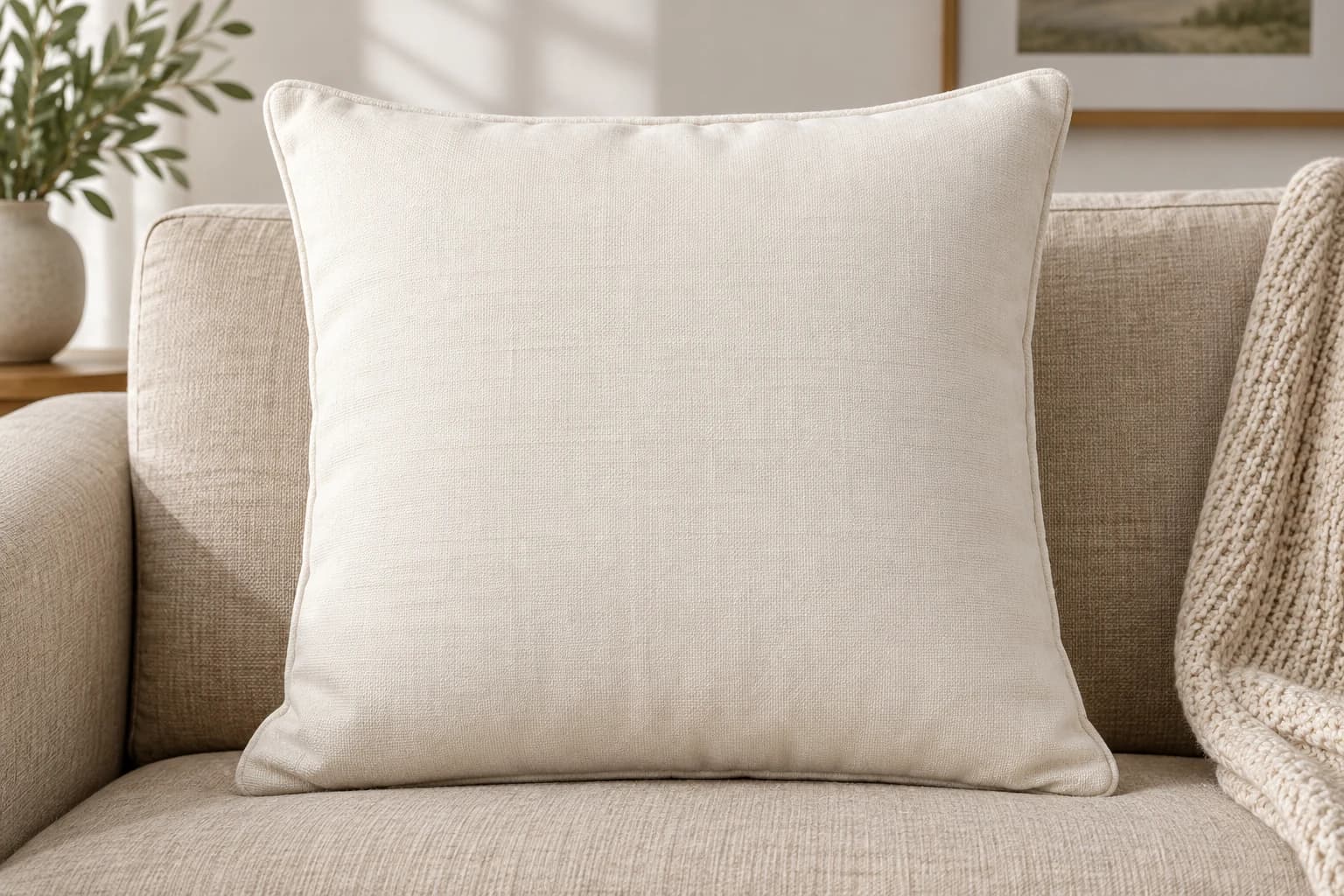
Home decor · Neutral sofa
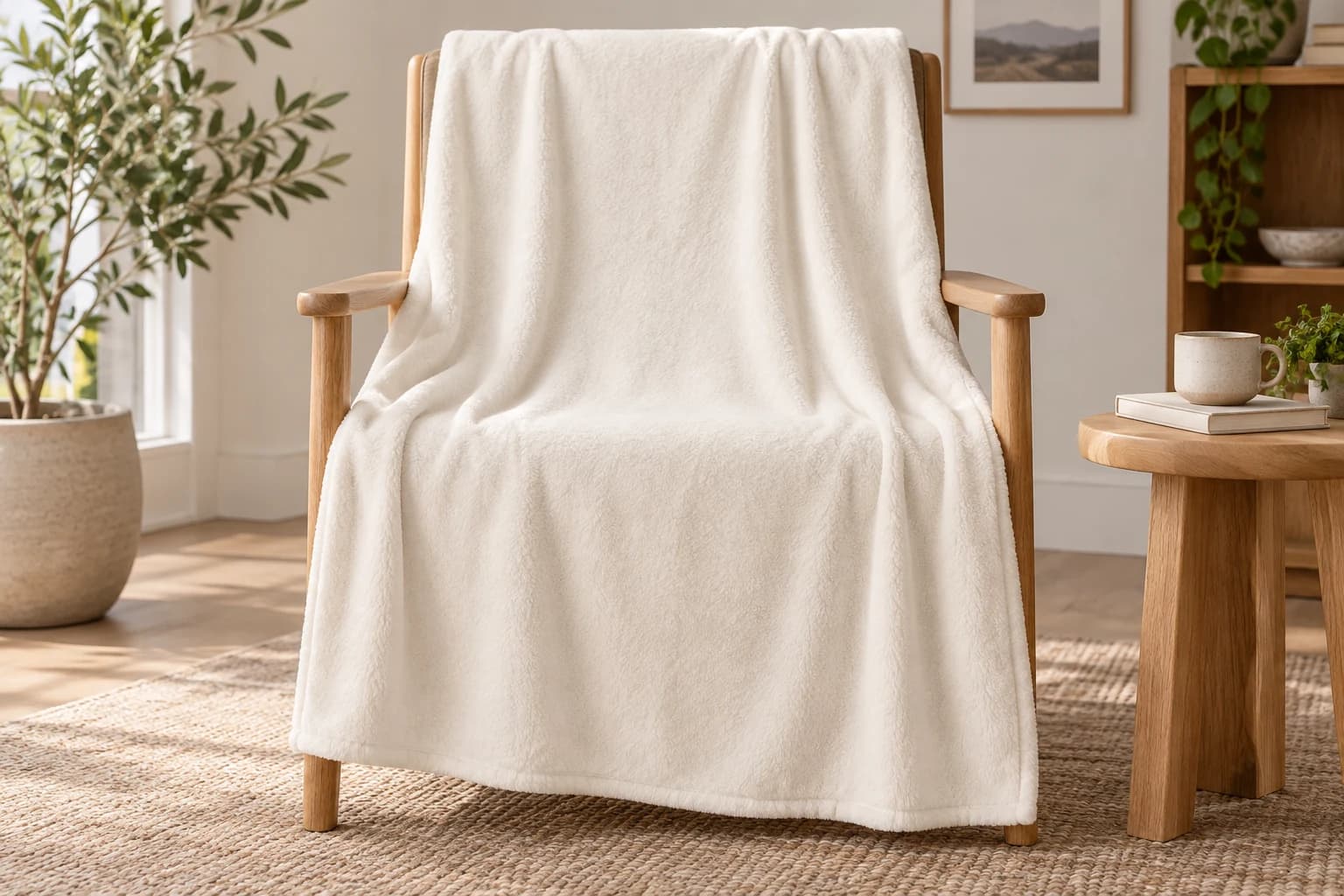
Home decor · Reading chair
AI-generated product scenes with editable design areas. Placement details are available on each listing.
A workflow you can come back to
Keep the setup that works. Reuse your artwork placement, create a collection, and download the finished images together.
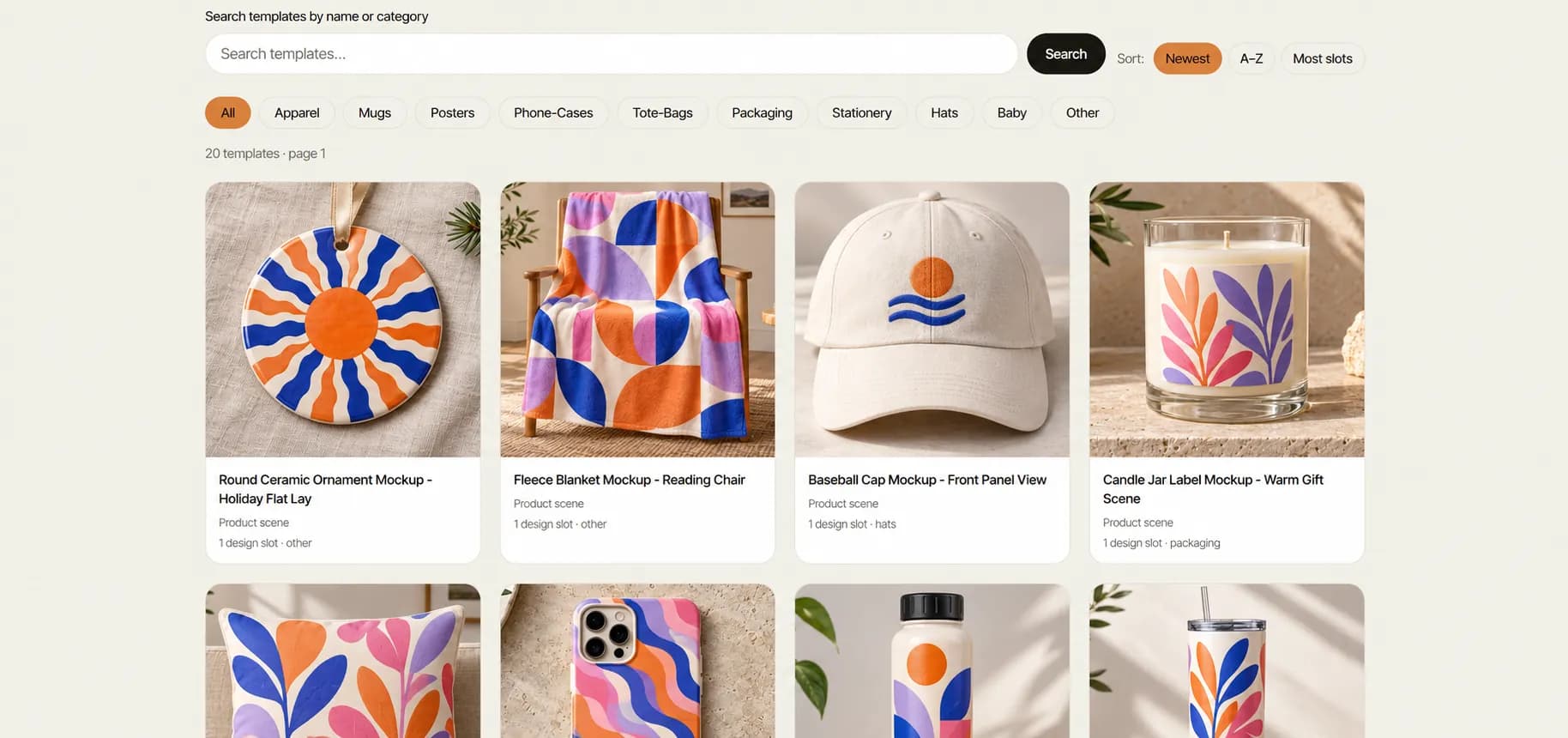
Pick a scene or import your own PSD. Check the supported artwork areas before you begin.
Explore PSD import ↗Adjust your artwork and save a named project. Return to your setup when the next design is ready.
Explore saved projects ↗Preview a sample, select your output profile, and download your finished images in one ZIP.
Explore collection exports ↗BUILD WITH A CLEAR CONTRACT
Know what your template supports, how your job is progressing, and how the result reaches your tools.
Review capabilities and limits ↗Import reports surface supported PSD areas and warnings. Review a sample before starting a collection.
↗02Idempotency keys on async renders and collections help you retry requests without duplicating the same job.
↗03Signed completion webhooks, retry handling, and delivery history support your receiver workflow.
↗04Use the REST API from your backend, a supplied n8n workflow, or HTTP modules in your automation tool.
↗For the next stage of your workflow
Connect your templates to the render API. Create images in background jobs and bring repeatable mockup production into your own tools.
Optional live demo. No account or API key needed.
PRICING
Start free. Choose a monthly render allowance when you need more.
Try your designs and build your first mockups.
$0
25 renders every month
Start for freeNo credit card needed
What’s included
For sellers and teams growing their product catalog.
$49 / month
1,500 renders / month · $0.033 per render
Ask about paid plansPublished rates shown. Online checkout is currently unavailable.
Everything in Free, plus
A custom plan for your volume and workflow.
Custom
Need more than 10,000 renders a month?
Contact salesTell us about your monthly volume
Let’s build your plan
One render = one exported image. Previews are free. Allowances reset each month; unused renders do not roll over. No automatic overage charges.
Before you start
Mockups Generator is a creative automation platform for producing product images from supported Photoshop mockup templates. You can edit a single image, save a project, produce an image collection, or automate rendering through the API.
You do not need Photoshop installed to use the editor. Start with a product scene from the library, or import a PSD you own or are licensed to use. Check the import report for supported artwork areas and effects.
The free plan includes 25 completed image exports each month, five saved templates, PSD uploads up to 25 MB, and watermark-free results. Editor previews are free. No credit card is needed to start.
Yes. Save a named project to retain artwork references and placement settings. Reopen it from Projects, create a copy, or turn an editor project into an image collection. Available original assets and templates are required to render again.
No. A mockup is a product image for presentation. A flat print export contains the artwork at its source resolution. Physical size, resolution, bleed and your printer's requirements must be checked before production. DPI metadata does not add detail.
Native Shopify and Etsy publishing is planned. You can download images for manual upload, or build a custom workflow with the render API and your store's API. An n8n collection workflow and HTTP integration guides are available.
From presentation to production
Download product images for your store and campaigns. Prepare flat artwork separately, with checks for physical size and resolution before print.
Explore print file checks ↗View capabilities and limits ↗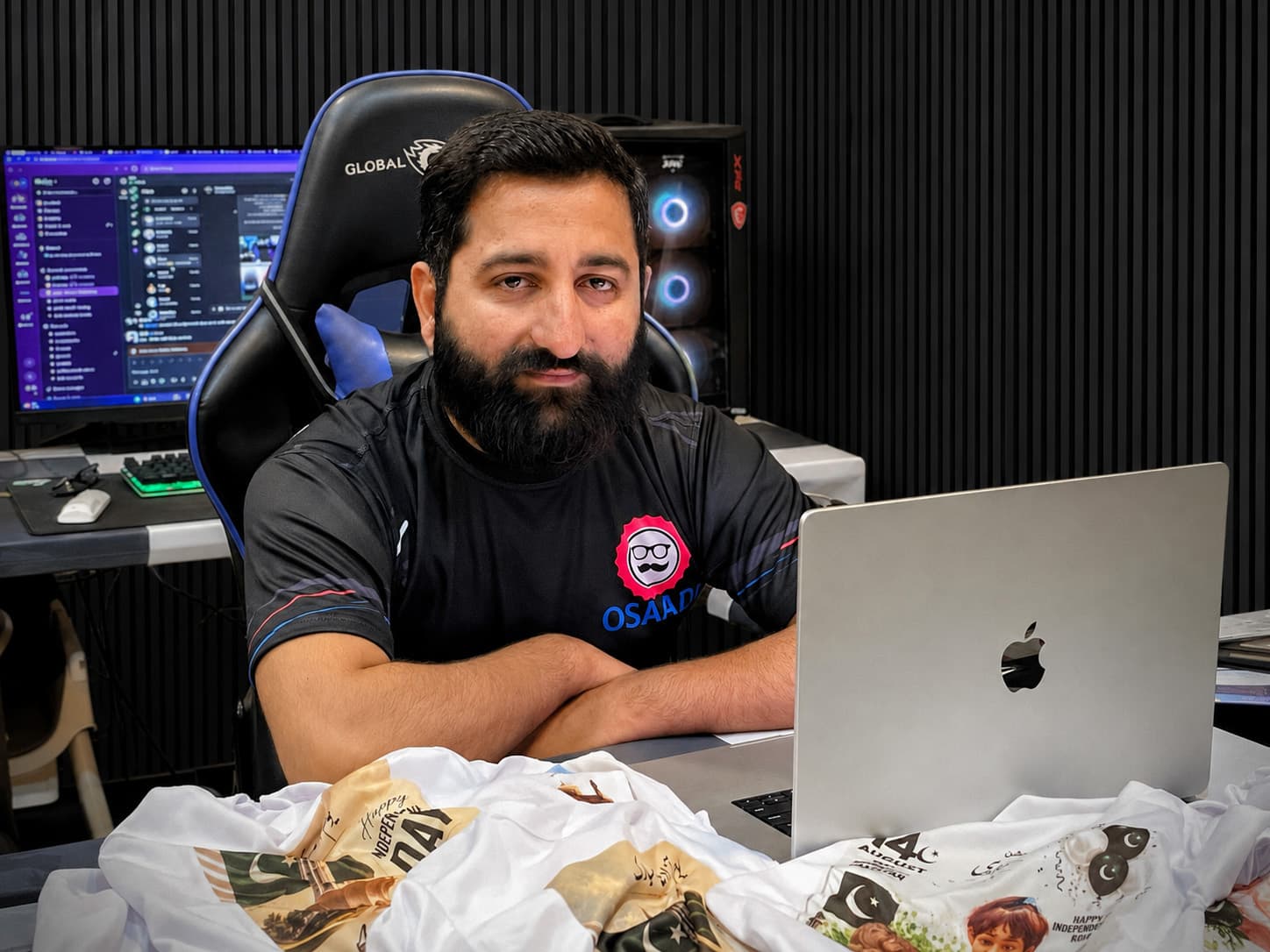 Meet the founder
Built from real production experience
Seven years in print production shaped a simple idea: good creative work should be easier to repeat.
Usama Saad built Mockups Generator around that workflow, connecting artwork and templates to an editor, batch exports, a render API, and signed webhooks.
Less time repeating the process.
More room for your next idea.
Your idea deserves to be seen
Start with one design. See where it takes you.
Make your first mockup Free to start. No watermarks.