Inspect the inputs and results
Three designs. Two scenes.
Six finished images.
These original illustrated examples were generated through the application API. Download the inputs, inspect the actual outputs, and repeat the workflow with your own account.
Verified locally on 2 October 2026. These are product examples, not customer results or printer approval.
1. Start with a known template
The supplied scene is an original image-based template with one artwork area. It is a reproducible substitute for a licensed PSD: this example does not test Photoshop layer effects.
Open Import, choose the image, and define the four artwork corners from the setup file. The resulting flat artwork area is 466 × 637 pixels.
For PSD imports, review the detected areas and supported or approximate effects on your own file. Read PSD requirements.
2. Generate and check the collection
Download the three original artworks below. In the collection builder, choose Framed print — sample 1 and Greeting card — sample 1. Add all three artworks, choose “One design at a time,” PNG format and Original resolution. Preflight should show six images; these starter scenes export at 1,000 × 1,000 pixels.
The downloadable example below uses the API with Contain placement and a custom 700 px width. To reproduce those exact settings, upload the artworks, replace the asset-ID placeholders and request key in the example collection request, then submit it through the preflight and collection endpoints. The example template IDs refer to the two published original scenes.




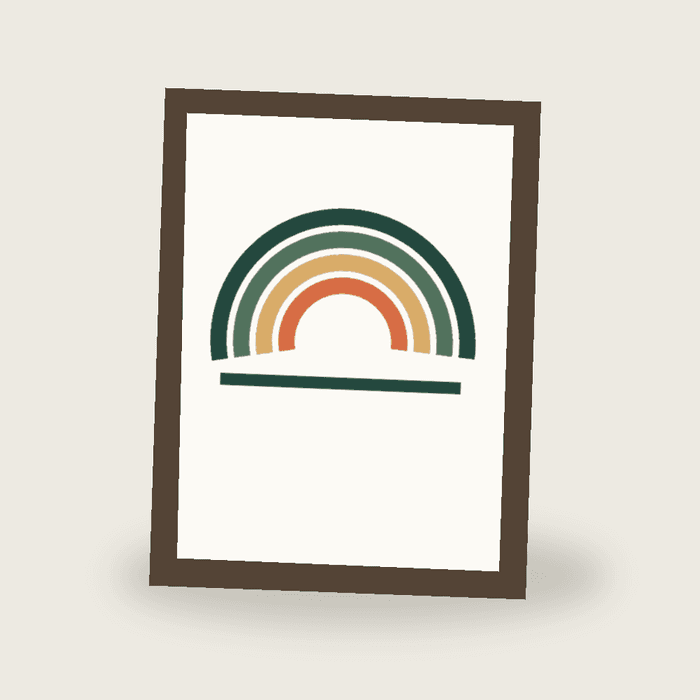
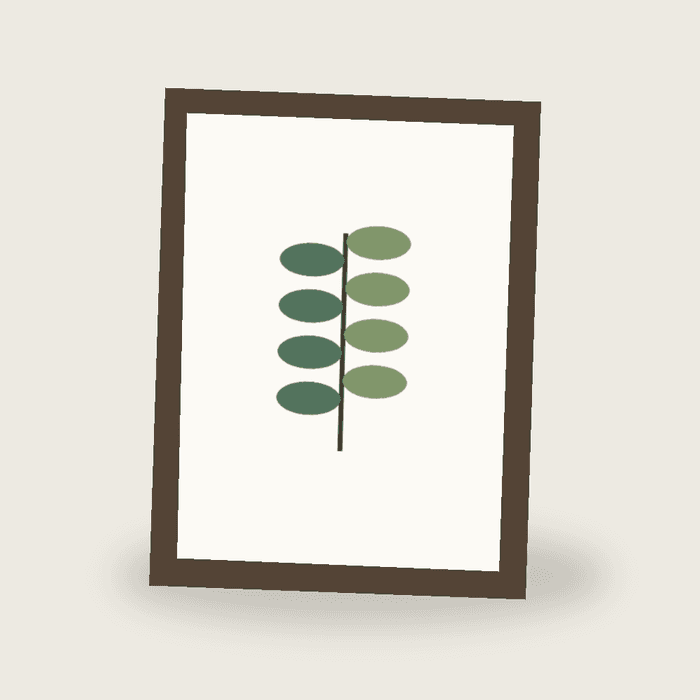
Download six images and manifest Inspect the manifest
The manifest records six completed outputs, filenames, template revisions, placement settings and input hashes. Transient example job and asset identifiers are sanitized. Check completed versus requested counts before publishing; a partial collection is not a complete result. Read the workflow guides.
3. See why a listing image is not a print file
For a 10 × 12 inch print at 300 DPI with 3 mm bleed on every side, the required raster dimensions round to 3,071 × 3,671 pixels: ((254 + 6) ÷ 25.4) × 300 by ((304.8 + 6) ÷ 25.4) × 300.
This template exports a 466 × 637 px flat file. The preflight reports approximately 45.5 effective DPI with the supplied placement, plus dimension and trim-review warnings. The download retains that source resolution; selecting 300 DPI does not create detail.
Download the actual preflight report · Inspect the flat artwork PNG
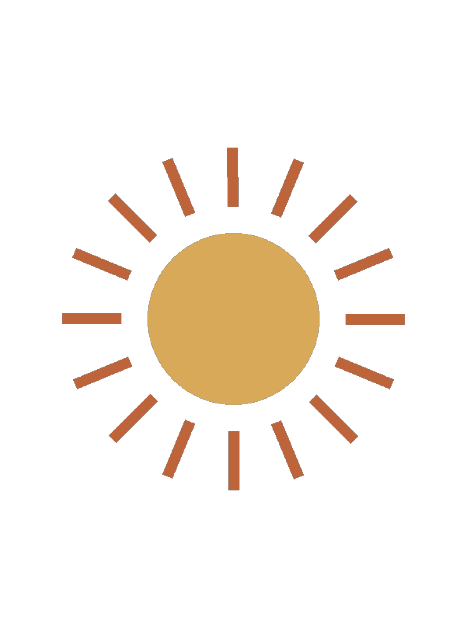
Use a suitably sized artwork area and higher-resolution artwork, or choose a smaller print. Check bleed, safe-area content and your supplier’s specification. The example acknowledges warnings to demonstrate the file; it is unsuitable for the requested print size.
4. Automate after reviewing an image
The supplied n8n workflow checks inputs, submits a collection with an idempotency key, polls its status and downloads the ZIP. Use your own API credential and IDs; the sanitized example identifiers are not API inputs.
Install and run the n8n workflow →API behavior is covered by repository tests. Import and execution in an actual n8n installation remain a separate verification step.